Passkeys, explained: what replaces the password, and what it doesn't
Passkeys are now offered by most major platforms. They are a genuine security upgrade — but the recovery story is where people get stuck.
Meridians Tech Desk
Published 24 October 1969 · Updated 14 December 1969 · 8 min read
 Tech
TechThe short answer
- A passkey is a cryptographic key pair: the private half never leaves your device or password manager, so there is nothing reusable to steal from a breached site.
- Because sign-in is bound to the site's domain, passkeys resist the phishing attacks that defeat passwords and one-time codes.
- The hard part is not signing in, it is recovery — plan for a lost device before you need to.
- Keeping a strong password plus an authenticator app as a fallback is reasonable during the transition.
Passwords fail in a specific, predictable way: they are shared secrets. You know the secret, the service stores something derived from it, and anyone who intercepts or convincingly requests it can reuse it. Every mitigation we have layered on top — complexity rules, rotation, one-time codes — treats a symptom.
What a passkey actually is
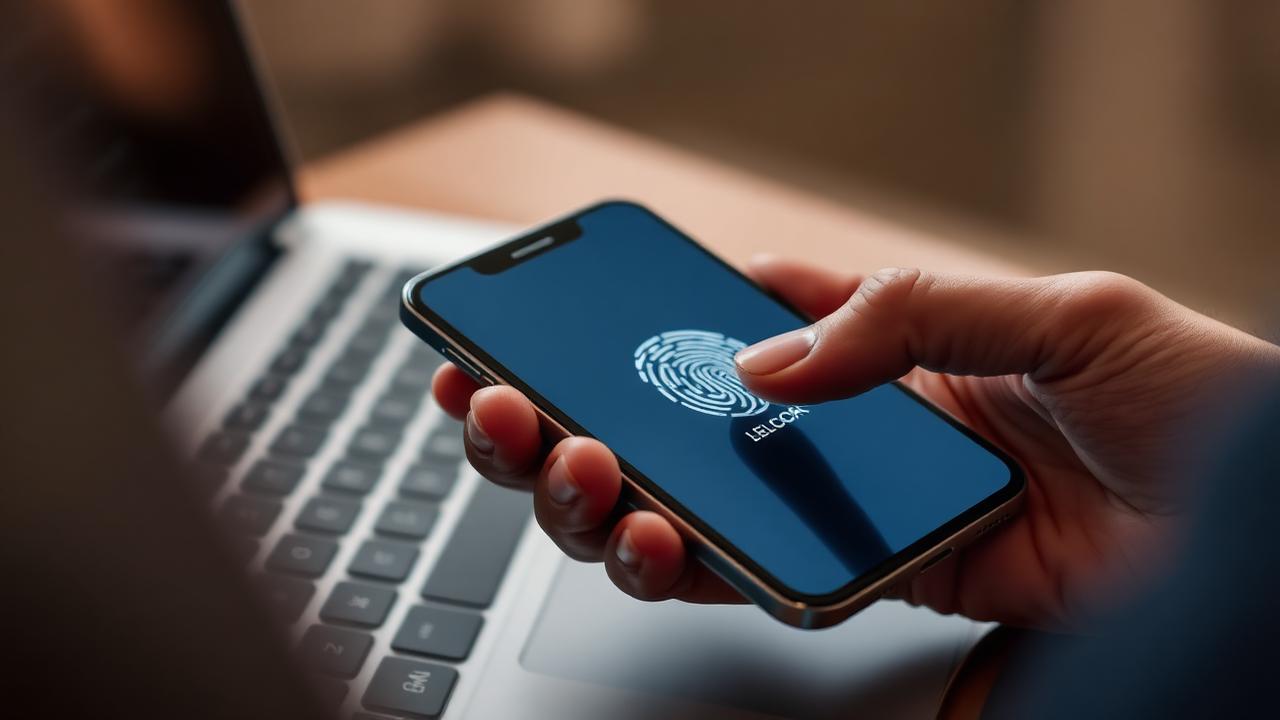
A passkey is a public/private key pair created for one specific site. The public key is handed to the service and is useless on its own. The private key stays on your device or in your password manager and is unlocked locally with your face, fingerprint or device PIN. Signing in means your device proves it holds the private key by signing a challenge; the secret itself is never transmitted.
Two consequences follow. A breach of the service exposes public keys, which are not worth stealing. And because the browser will only offer a passkey to the domain it was created for, a lookalike phishing page gets nothing — the credential simply will not present itself.
Synced versus device-bound
Most consumer passkeys are synced: your platform account or password manager replicates them across your devices, so a new phone inherits your sign-ins. Device-bound passkeys — including those on hardware security keys — never leave the hardware. Synced is far more practical for everyday accounts; device-bound is stronger for a small number of high-value ones.
Where people get stuck
- Recovery. If your passkeys live in one platform account and you lose access to it, you can lose access to everything at once. Register a second device or a hardware key.
- Cross-ecosystem use. Signing in on someone else's computer usually means scanning a QR code with your phone. It works, but it is a different mental model.
- Partial rollouts. Many services add passkeys while leaving password sign-in enabled, which preserves the weakest path into the account.
- Shared accounts. Passkeys are tied to individuals and devices, which makes household or team sharing awkward compared with a shared password entry.
A sensible approach today
- Add passkeys first to your email and password manager — these are the accounts everything else recovers through.
- Register at least two authenticators so a lost device is an inconvenience, not a lockout.
- Keep a long, unique password and an app-based second factor as fallback where the service still allows password sign-in.
- Where a service lets you remove the password entirely and you have solid recovery, removing it closes the phishing path for good.
Passkeys are the first password replacement that is both meaningfully more secure and, for most people, easier day to day. The transition period — where both systems run side by side — is the awkward part, and it will last years.
Sources
Every factual claim above is traceable to these documents. Check them — that is why they are here.
- Web Authentication (WebAuthn) specificationW3C
- Passkeys overview and specificationsFIDO Alliance
- Multi-factor authentication guidanceUK National Cyber Security Centre
About this byline
Meridians Tech Desk is an editorial desk at Meridians, not an individual. A desk byline means the article was produced and fact-checked to that desk's published standards. Read our editorial standards and corrections policy.
Sponsored
Paid placement · not editorial

One charger for everything: how the USB-C rule works in practice
6 min read · 2 October 1969

The Meridians Brief
One considered email a week
What changed, what it costs you, and what to do about it — from the Meridians desks. No sponsored picks disguised as recommendations.
Sign-up opens with our launch issue. Nothing is sent or stored yet.